The OLED iPad mini: what to check in your app
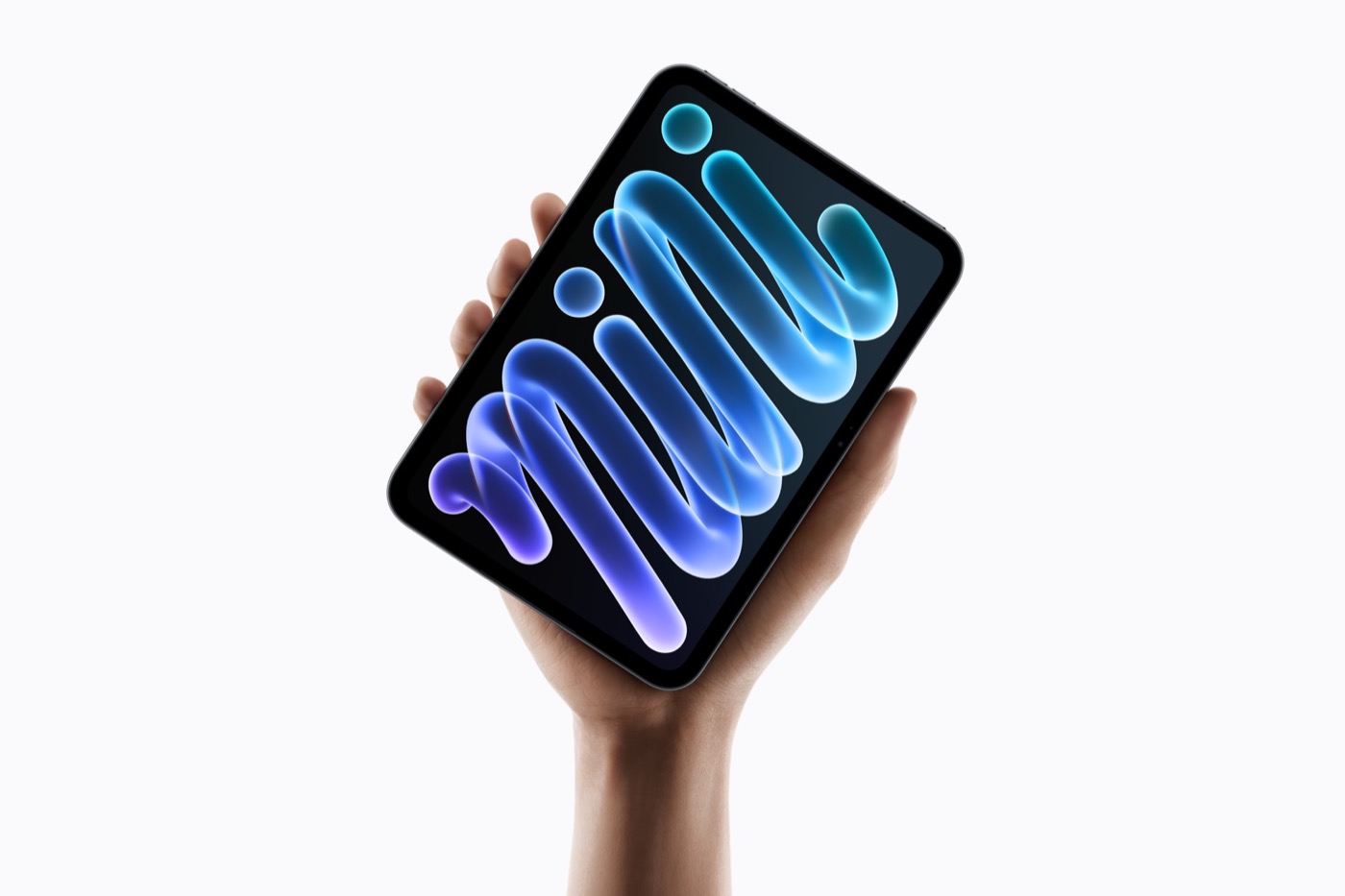
Apple announced a new iPad mini today with an 8.5-inch OLED display. For app developers the chip is the smaller story: the screen is new, and Apple has not yet published the numbers a layout depends on.
In short: a real upgrade on the hardware side, a higher price, and a list of layout facts that are still missing. The good news is the screen and the thinner body. The open questions are the ones a developer needs before touching a layout.
A short look back
The seventh-generation iPad mini arrived in October 2024, three years after the model before it, with an LCD screen and the A17 Pro chip. MacRumors notes that it kept its $499 price at launch even though Apple doubled the base storage to 128 GB, and that Apple raised it to $599 in June 2026.
An OLED mini was a long-running rumor. In late June, the Korean outlet ETNews reported that mass production had started at a Samsung factory. In July, a tipster whom MacRumors called "hit-and-miss" claimed the panel would be a 60 Hz LTPS hybrid OLED. Earlier this month the price was rumored to be $200 above the current model; it came in lower. Apple's pages do not state a refresh rate or a panel type, so the July claim is still unconfirmed by Apple.
Old mini against new mini
| iPad mini (October 2024) | OLED iPad mini | |
|---|---|---|
| Display | 8.3-inch LCD | 8.5-inch OLED |
| Brightness | Up to 500 nits | 600 nits standard, 1,200 nits HDR |
| Chip | A17 Pro | A20 Pro |
| RAM | 8 GB | Not published |
| Thickness | 6.3 mm | 5.4 mm |
| Weight (Wi-Fi) | 0.65 lb | 0.56 lb |
| Finishes | Four | Two (Midnight, Starlight) |
| Starting price, Wi-Fi | $599 (was $499 at launch) | $699 |
| Starting price, Wi-Fi + Cellular | $749 | $849 |
Apple's pages and the MacRumors announcement cover the new column. The old column and the price history are as reported by MacRumors, which also counts this as the second price increase this year. I could only find those figures there, so I treat them as reported, not as something Apple has confirmed.
What looks good, what is missing
What looks good
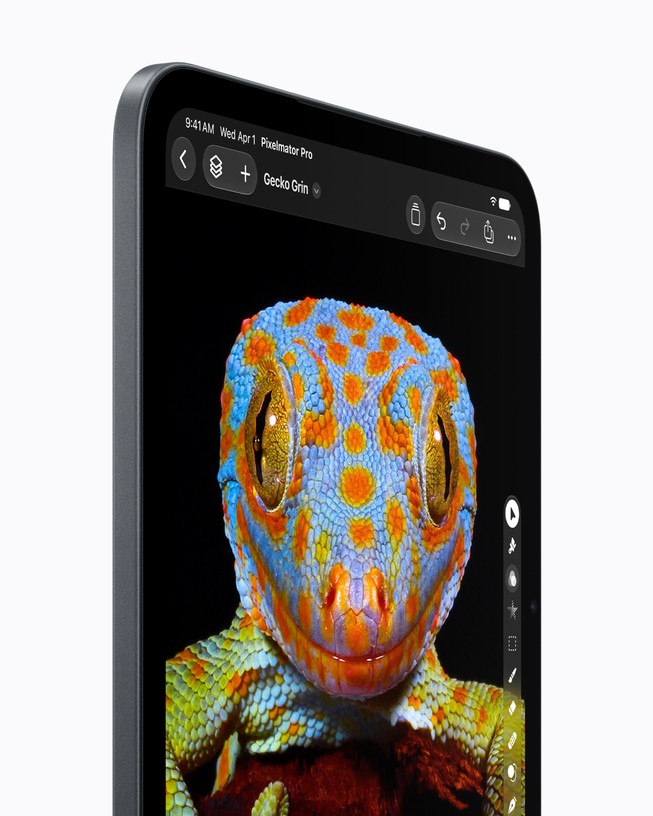
- The screen is the headline: OLED with higher contrast and, Apple says, more than twice the peak brightness of the old LCD, in the same footprint.
- The body is thinner and lighter, and Apple lists IP67 water and dust resistance.
- The chip jump is large on paper, but that is Apple's testing, not an independent measurement.
- The price rise is smaller than the rumor suggested, and the base storage stays the same.
What is missing or unclear
- It costs more, and the extra money does not buy more storage.
- Apple does not mention ProMotion, so the display appears to stay at 60 Hz. That is MacRumors' reading of a missing line, not a figure from Apple.
- There are fewer finishes than before, and nano-texture glass is only offered on the larger storage sizes.
- For developers: no point size, no safe area, no simulator device, no new SDK. The table further down has the details.
What Apple has published
Apple's Newsroom post calls it the biggest iPad mini update ever. The numbers it lists are below.
| What Apple lists | |
|---|---|
| Display | 8.5-inch Super Retina XDR OLED |
| Resolution | 2316 x 1512 pixels at 326 pixels per inch |
| Brightness | 1,200 nits peak (HDR), 600 nits full screen, 1 nit minimum |
| Contrast ratio | 2,000,000:1 |
| Color and input | Wide color (P3), True Tone, Apple Pencil hover |
| Glass | Optional nano-texture on the 256 GB and 512 GB models |
| Bezels | About 24 percent thinner |
| Chip | A20 Pro with a 16-core Neural Engine |
| Apple's claim against the A17 Pro | Up to 60 percent faster multi-core CPU, about 2.7 times the graphics speed |
| Pre-orders | Wednesday, October 28, 10:10 PT, in 36 countries and regions |
| In stores and first deliveries | Friday, November 6 |
Apple measures the display size with the rounded corners included. As a sanity check, the pixel grid and the density agree with the stated diagonal.
| Storage | Wi-Fi | Wi-Fi + Cellular |
|---|---|---|
| 128 GB | $699 | $849 |
| 256 GB | $799 | $949 |
| 512 GB | $999 | $1,149 |
Nano-texture glass adds $100. Education pricing starts at $649.
The Newsroom post does not announce a new developer API or SDK. It only mentions a few apps as examples of what the chip can do.
What Apple has not published yet
This is the part that matters for layout work, and it is a long list. As of October 26, I looked for each item below in Apple's pages and documentation.
| Item | Status | Source and note |
|---|---|---|
| Pixels and pixels per inch | Published | Apple's technical specifications |
| Size in points and scale factor | Not published | Apple gives pixels, not the logical size your SwiftUI or UIKit layout sees |
| Safe area and corner radius | Not published | The specs page only says the display has rounded corners |
| Refresh rate | Not published | No figure and no mention of ProMotion; MacRumors reads the spec sheet as 60 Hz |
| Panel type | Not published | Apple's pages |
| RAM | Not published | Apple's pages |
| Simulator device | Not found | The Xcode 27.2 release candidate notes do not mention a new iPad mini |
| App Store screenshot size class | Not stated | App Store Connect screenshot specifications, see below |
| New developer API or SDK | None announced | Apple Newsroom |
About the App Store screenshots
App Store Connect currently requires 13-inch iPad screenshots, and it lists the previous iPad mini, the A17 Pro model, under the 11-inch class, with the other sizes scaled from the 13-inch set. The page does not list the new 8.5-inch model as of today. Whether it gets its own class, or lands in an existing one, is not stated anywhere I could check.
My suggestions, not facts
Everything below is my reading of the situation, not something Apple has said.
- Do not hard-code a point size yet. Until the iPad mini is in someone's hands or in a simulator, any number in points is a guess. When a device or simulator is available, log the real size from
GeometryProxyor the window, together with the safe area insets and the size classes, and design against those. - Lean on size classes and safe area, not on device checks. A layout that adapts to the space it gets should not care what the screen is called. A layout that assumes a fixed width or a fixed corner inset is the kind that breaks on a new size. Run it on the other iPad sizes in both orientations in the meantime.
- Do not build around a refresh rate. Apple has not stated one. If you need to know it, read it from the screen on the device, for example with
UIScreen.maximumFramesPerSecond, rather than assuming. - Look at dark screens on OLED. Apple gives a 2,000,000:1 contrast ratio and a 1 nit minimum. I would check dark mode, low-brightness reading and bright HDR content by eye. I would not claim any battery saving from dark themes on this iPad, because Apple does not say so.
- Wait on the screenshots. The current table has no class for the new model, so regenerating a set now could mean doing it twice. I would look at the page again when Apple updates it.
Sources
- Apple gives iPad mini its biggest update ever — Apple Newsroom — the OLED display, 8.5 inches, thinner bezels, the A20 Pro, the dates, and that no developer API is announced
- iPad mini technical specifications — Apple — 2316 x 1512 at 326 ppi, the rounded corners note, the brightness and contrast figures, no refresh rate or RAM listed
- Buy iPad mini — Apple Store — the Wi-Fi model from $699, the nano-texture option
- Apple announces iPad mini with OLED display — MacRumors — the announcement coverage, the reading that the screen appears to stay at 60 Hz
- OLED iPad mini second price hike of 2026 — MacRumors — the previous base model at $599 and the second increase this year
- OLED iPad mini pre-orders and launch date — MacRumors — pre-orders on October 28 and the November 6 launch
- iPad mini roundup — MacRumors — the October 2024 launch, the A17 Pro, 500 nits and the RAM of the previous model
- Upcoming OLED iPad mini allegedly uses 60Hz display panel — MacRumors — the July rumor and the ETNews mass production report
- Xcode 27.2 release notes — Apple — no new iPad mini device in the release candidate notes
- Screenshot specifications — App Store Connect Help — the required 13-inch iPad screenshots and the 11-inch class that lists the previous iPad mini